



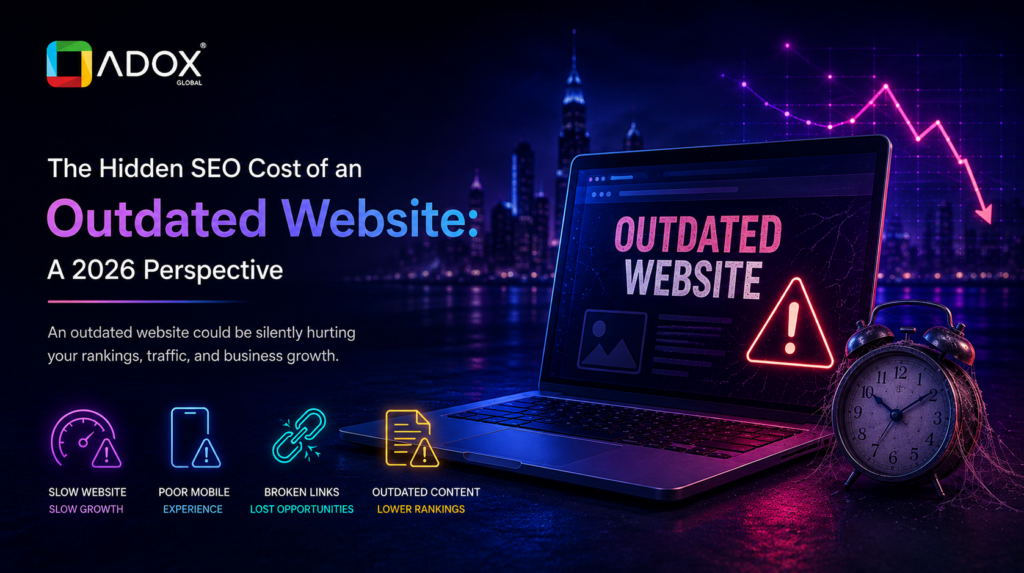
The Hidden SEO Cost of an Outdated Website: A 2026 Perspective
Your Website Might Be Costing You More Than You Realize
“Our enquiries have dropped, but nothing’s changed on our end.” We hear a version of this often, and nine times out of ten the real problem is sitting in plain sight, the website has quietly gone stale.
An outdated site doesn’t crash or throw up warning signs. It just loses ground bit by bit — rankings dip, pages load a beat slower, mobile visitors bounce faster — until the phone stops ringing as much. Most owners only connect the dots months later, after real business has already slipped away.
This is why SEO for websites can’t be a one-off project. Google isn’t only reading keywords — it’s watching load speed, mobile behaviour, and whether content still answers what people type into search bars today.
What “Outdated” Really Looks Like in 2026
Here’s the catch: an outdated site doesn’t always look old. Some genuinely nice-looking sites are falling apart underneath, and visitors — along with Google — notice long before the owner does.
Typical warning signs: slow pages, a mobile layout that doesn’t quite work, content nobody’s touched in years, navigation that buries basic information, broken links, messy structure, thin metadata, uncompressed images, ageing infrastructure, and weak or missing HTTPS.
A site can look sharp and still leak traffic underneath. Appearance and performance aren’t the same measure.
How This Actually Damages Your SEO
Confusing navigation. People won’t dig around for what they need — they’ll leave, and that shows up as lower engagement and fewer conversions.
Poor mobile experience. Not optional anymore. A layout that breaks on smaller screens tells visitors and search engines something’s off.
Technical debt. Crawlability, indexing, broken links, weak structure — these decide whether Google can even understand your content. Good SEO services treat this as the foundation, not an afterthought.
Speed: The Part Nobody Notices Until It’s Gone
Ageing sites tend to share the same problems — oversized images, too many scripts, plugins nobody’s updated, and hosting never built for today’s traffic.
Slow pages don’t just frustrate visitors; they drag rankings down too. Google leans on Core Web Vitals: LCP (how fast the main content shows up), INP (how quickly the page responds), and CLS (how stable the layout stays while loading). None of this is a tick-box exercise — it’s core to page experience.
When Content Quietly Stops Working
Publishing something once doesn’t mean it stays useful forever. Search intent shifts, and a page that performed well two years ago can fall behind without anyone noticing.
Watch for outdated statistics, service descriptions that no longer match what you offer, expired promotions, unanswered customer questions, and competitors who’ve built something more useful than what you have now. Google’s own guidance is clear: content should stay genuinely useful for readers, not exist just to please an algorithm.
From Lower Rankings to Real Lost Revenue
The chain tends to run the same way — poor experience, weaker engagement, fewer leads, lost revenue. It can also make a business look less credible, push up bounce rates, and hand competitors an easy advantage, while wasting a budget already spent on SEO that never got a proper chance to work.
This is usually where solid website optimization services earn their keep, fixing what’s actually broken rather than papering over symptoms.
Bringing a Website Back to Standard
Start with an audit — technical SEO, content review, mobile usability, Core Web Vitals, and a check for broken links, before touching a single page.
Refresh anything that feels out of date. Rework the layout so it fits how people search now. Also check that HTTPS is set up right and that the site works well on phones. Shrink image files, remove or trim script that is not needed, and aim to load pages faster. Clean up page titles and meta descriptions. Use clear headings. Add internal links where they help. Write simple alt text for images. It may seem small, but it builds the core of what works.
Redesign, or Just Optimize?
There’s a real gap between a full redesign, targeted optimization, and ongoing upkeep — and plenty of businesses assume they need the first when the second would solve the problem.
A ground-up redesign makes sense when the structure or technology is genuinely outdated. Most sites just need focused work rather than a full rebuild. The point was never to make something “look newer” — it’s to make it faster and clearer, for visitors and search engines alike.
When It’s Time to Call in Help
A few signs worth watching: rankings sliding, traffic trending downward, technical problems you can’t pin down, recent changes that hurt performance, or competitors consistently pulling ahead.
The best SEO services don’t just rearrange keywords — they combine strategy, technical fixes, content work, and ongoing monitoring into one plan. A team like Adox Global can help pinpoint where a site is losing ground and build a plan to close that gap for good.
Conclusion
An outdated website is never purely a design issue. Speed, mobile usability, technical health, and content quality decide how a business shows up in search and how it performs once someone lands on the page. Staying competitive through 2026 means treating this as continuous work, not a one-off project.
Before an old website quietly costs you more visibility and customers, it’s worth taking an honest look at where things stand right now.
FAQs
1. How does an outdated website affect SEO rankings in 2026?
Slow speed, weak mobile usability, and stale content make it harder to compete in search.
2. Can an old website lose its rankings over time?
Age alone isn’t the issue — rankings slip when content stops being useful or technical problems pile up.
3. Does website speed affect SEO performance?
Yes. Speed shapes user experience and feeds into Core Web Vitals, which influence rankings.
4. Does an outdated website affect Core Web Vitals?
It can. Old code and poor architecture tend to drag down LCP, INP, and CLS.
5. Does redesigning a website improve SEO rankings?
Not automatically — only if it fixes technical SEO, usability, content, and performance.